PhaseSlip
Author · 2026
PhaseSlip
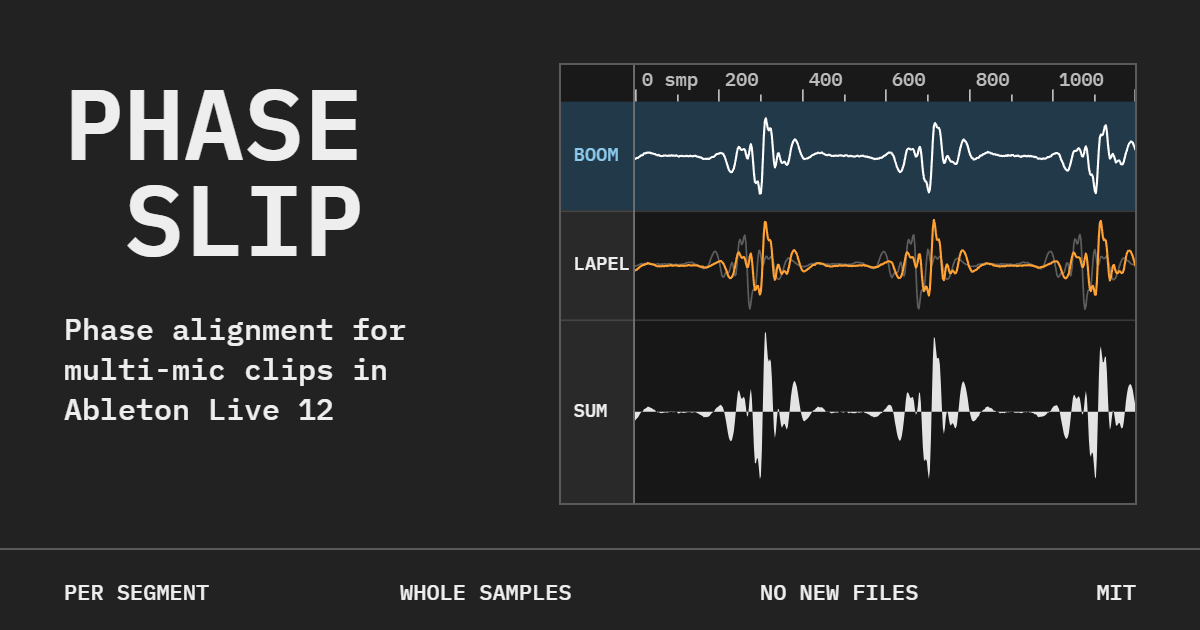
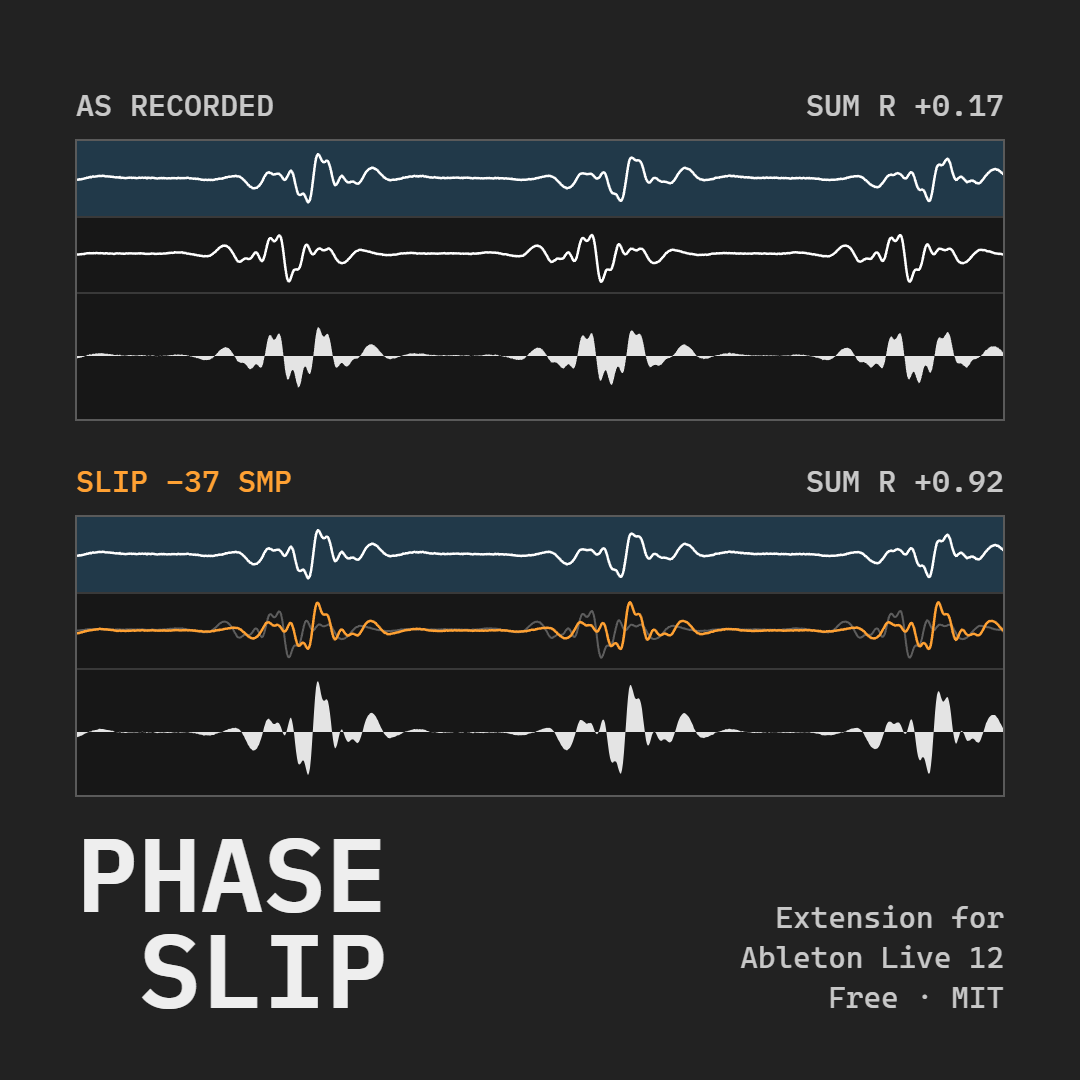
An extension for Ableton Live 12 that lines up the phase of clips recorded by more than one microphone at once, such as the boom and the lavalier on the same line of dialogue, so the voice stays full when both play together.
Why I built it
On every film and series I have worked on, dialogue arrives on at least two microphones: the boom above the actor and the lav on their chest. The two are never at the same distance, and that distance changes from one shot to the next. Played together without care, they cancel each other in places, and the voice turns thin and hollow. The fix is to slide each clip by a handful of samples, by ear and by eye, one clip at a time. It eats hours of an edit, and Live had no tool for it.
PhaseSlip does the measuring and leaves the decision to the ear. It compares every clip against a reference, finds the offset, and slides that clip alone; when the distance changes in the middle of a take, it splits the clip where it changes. The original audio files are never touched, and everything runs on the computer, with no account and no cloud.
How it works
Select a passage, right-click the tracks, and choose PhaseSlip: Align phase. A panel opens with every track and starts measuring on its own. You listen to the original against the aligned version, review the clips it is unsure about one at a time, adjust by hand where you disagree, and apply. When the engine has doubts, it says so in plain words, for example that two readings fit and you should listen to both.
It works beyond dialogue too: two mics on a guitar amp, a drum with two mics, a stereo pair that has to move together. It always checks the low end, so no correction takes the bass out of the mix, and every apply can be undone with Live’s own undo.
Status
- Host: Ableton Live 12 Suite, Windows and macOS
- Stage: in development; versions for other hosts are on the way